Best Drone for Travel in 2026: What I’d Actually Buy
I bought my DJI Mini 3 in 2022. Four years, a lot of harvests, and way too many airports later, it’s still the drone in my bag. And here’s the thing that surprises people: if I had to buy a drone today, in 2026, with everything that exists on the market now, I would buy the exact same one again.
Not because I’m nostalgic. Because every time I look at what the newer models cost and what they’d actually change for me, I end up back at the Mini 3.
So this is the honest version. What it does well, the one thing I genuinely miss, the Mount Fyffe flight that scared me a bit, and whether you really need all those extra batteries everyone tells you to buy.
Why the DJI Mini 3 Is Still the Best Value Travel Drone in 2026
Let’s start with the part nobody wants to talk about first, but everybody actually cares about. The price.
The Mini 3 sits somewhere around 330 USD. The Mini 4 Pro is around 700 USD. The Mini 5 Pro is around 800 USD and up to 1100 USD for the full package. So we’re talking about double, sometimes more, for the newer models. (Prices move constantly, especially around sales, so check before you buy.)
Double the price. For what, exactly? Better obstacle sensing, a faster frame rate, a bigger sensor on the Mini 5 Pro. All real improvements, I’m not going to pretend they’re not. But none of them change the shots I actually post. Nobody has ever looked at one of my aerial photos and said “ah yes, clearly filmed at 30 frames per second, tragic”.
And if you’re comparing across brands, it’s even less close. For that price range, DJI is still the one that flies straight, connects instantly, and doesn’t fight you.
4K Video and RAW Photos, the Quality Is Honestly Wild
The Mini 3 films in 4K at 30fps with HDR, and shoots photos in RAW plus JPEG at the same time. That combination is the whole reason I still recommend it.
The 4K is more than enough for anything you’re going to publish. Where it really shows off is in cinematic mode, when you slow everything down and let the drone glide. The footage comes out smooth and clean, and it genuinely looks like something that cost a lot more to make than it did.
The RAW files are the part people underestimate. Shooting RAW plus JPEG means you get a ready to use image straight away, and a file you can actually work with in Lightroom. And drone shots need that work, way more than ground shots, because you’re constantly fighting flat light, haze, and skies that blow out the second you point up. With a RAW file you pull all of that back. You recover the highlights in the sky, you lift the shadows in the water, you fix the colours. That’s the difference between a nice holiday photo and something that looks professional.
Twelve megapixels doesn’t sound like much on paper, I know. But with a 1/1.3 inch sensor and a RAW file, it’s plenty for prints, for the blog, and for anything social.
Vertical and Landscape Shooting on the Same Flight
This one is underrated and it’s genuinely one of my favourite things about this drone.
The gimbal rotates properly, so you get true vertical shooting, not a crop of a landscape frame. Which means I can film the same scene wide for the blog and vertical for Reels and Pinterest, in the same flight, without losing any quality on either.
Since social media took over everything, this went from “nice to have” to “I cannot work without it”. And honestly, it saves me from a very specific type of drama.
Quick question, has anyone else ever been told off for taking a photo of someone in landscape instead of vertical? Because it happened to me and I was absolutely stunned. I was doing them a favour, I framed a beautiful wide shot with the whole landscape behind them, and I got a look like I’d insulted their family. Apparently it “doesn’t work for stories”. Ever since then I just ask first. Landscape or portrait, tell me now, I don’t want the drama.
How Stable Is the DJI Mini 3 in Real Wind?
This is the number one fear people have with a drone that weighs 249 grams. It’s going to get blown away, right? It’s going to end up in the sea.
In four years of flying, almost daily when I travel, I’ve had exactly one dodgy flight.
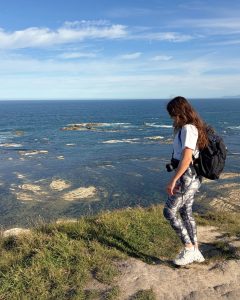
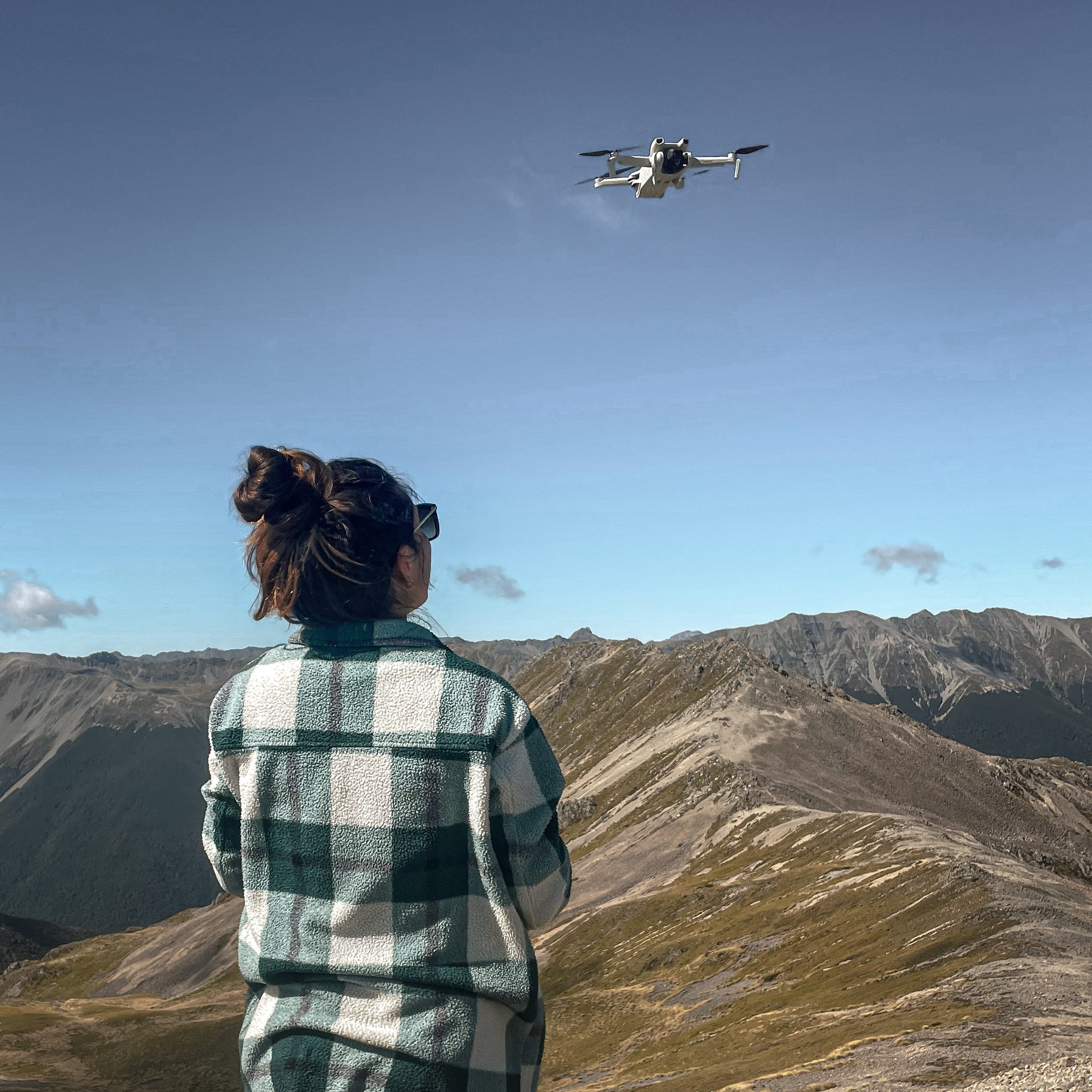
It was on Mount Fyffe in New Zealand. The wind up there was completely insane, and I decided to fly anyway, because I’m stubborn and the light was perfect. You can tell on the footage. It moves. Not “lost the drone” moves, but you can see it fighting, and the shots aren’t usable the way I wanted them.
That’s it. That’s the whole horror story.
Every other time conditions have been that bad, the drone gave me a strong wind warning before I even got anywhere near trouble, and honestly by that point the visibility was so bad the camera wasn’t seeing anything worth filming anyway. So the warning was just telling me what I should have already worked out myself.
Officially it’s rated for wind up to about 10.7 metres per second, so roughly 38 km/h. In practice, for 249 grams, it holds its ground far better than you’d expect. Don’t be scared of the weight.
It’s Tiny, and That Changes Everything When You Travel
249 grams. That number is not marketing, it’s the entire point.
Staying under 250 grams keeps you out of a whole category of paperwork in a lot of countries, and it makes going through customs a non event. I’ve flown with this thing across a lot of borders and nobody has ever asked me a single question about it. (Rules do change country by country, so always check the local regulations for where you’re going. Being under 250g simplifies things, it doesn’t erase them.)
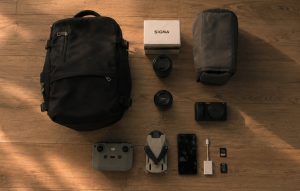
But the part I love day to day is just how small it physically is. Folded up it’s basically the size of a large phone. When I genuinely cannot face carrying the big camera bag on a hike, I put the drone in my jacket pocket and the remote in the other one, and I leave. That’s it. That’s the whole kit.
That’s absolute lightness, and it’s the reason it comes with me on days when the camera stays at the hotel.
Which Remote Should You Get, Screen or No Screen?
The Mini 3 comes either with the basic remote where you clip in your phone, or with the DJI RC which has a built in screen.
I went with the screenless one. My reasoning at the time was that I had a good iPhone with a lovely bright screen, so why pay extra for a worse one. And the screen on the DJI RC sits below the sticks, which looked deeply weird to me. I was convinced my hands would cover half of it.
For the record, they don’t. I’ve used one since and it’s fine.
With hindsight, I think I’d take the version with the screen. Two reasons. The built in screen is brighter, which matters more than you’d think when you’re squinting at your phone in full sun on a beach. And more importantly, your drone stops depending on your phone’s battery. If you’ve been filming and navigating all day and your phone is at 6%, the screenless remote suddenly becomes a paperweight. That has never fully ruined a day for me, but it’s been close.
So, no wrong answer here. If you’re on a tight budget and you have a good phone, the basic remote does the job. If you can stretch, the screen version is the more relaxed choice.
Shop the DJI Mini 3 with DJI RC screen remote →
Do You Actually Need Extra Batteries?
Everyone will tell you to buy the Fly More combo. I’ve never once felt the need for extra batteries, and I fly nearly every day when I’m travelling.
Here’s my reasoning. I fly during the day, I charge at night, and I have never been stuck unable to fly because of battery. The drone gives you somewhere between 15 and 30 minutes of real world flight depending on conditions, which sounds short until you actually think about what you do with it.
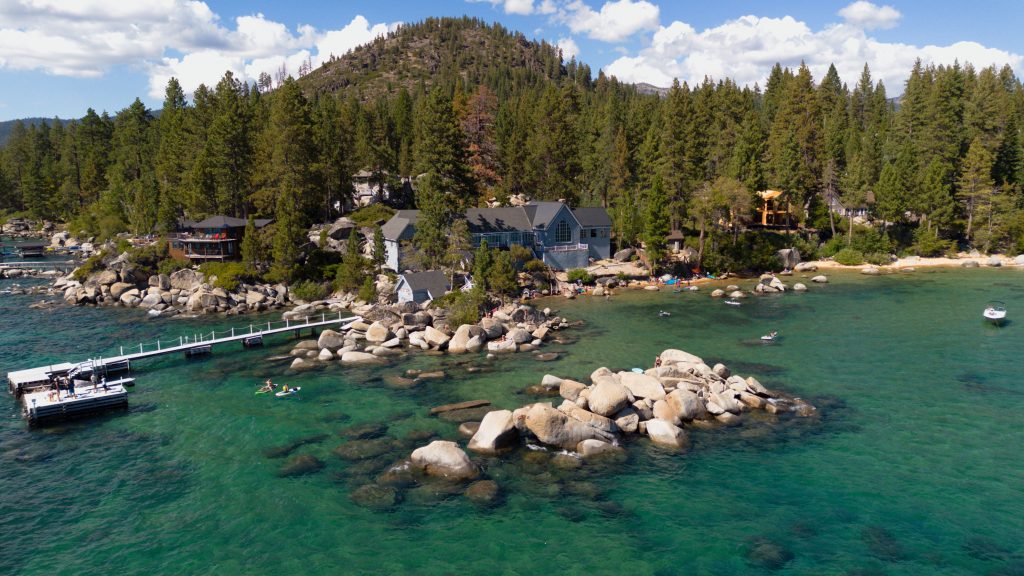
When you know the shot you want, it takes you five minutes. That’s it.
At the beginning it’s different, obviously. At the beginning you want to go as high as possible, as far as possible, you’re playing, and yes, you’ll land at 20% after your very first flight. That phase is normal and it’s fun, let yourself have it. But once you know what you want from a landscape, each flight gets short and deliberate, and I can easily do two or three separate drone sessions on a single hike on one battery.
And there’s another thing you figure out fast. Launching a drone takes preparation. You’re not whipping it out every two minutes the way you do with a camera. You find the spot, you check the wind, you check you’re allowed to fly, you take off. That whole ritual naturally limits how much you fly in a day.
Meanwhile, I have friends with three batteries each, and because they’ve got spares they never bother charging properly, and they’ve ended up on the mountain with nothing. Which is, you have to admit, a fairly ironic way to run out of battery.
Buy the extra batteries later if you actually hit the limit. Not before.
The One Thing I Miss, Obstacle Sensing
I’m not going to pretend this drone is perfect. It has one real gap, and it’s obstacle sensing.
The Mini 3 only has a downward vision system. There’s nothing looking forward or sideways. So if you fly it into a branch, that’s on you, and only you.
Which means I fly carefully. Very carefully. I look at what’s around before I move, I don’t push it through tight spaces, I stay aware. And honestly? Starting out without obstacle sensing has made me a much better pilot. You learn to be meticulous because nothing is there to save you. I’d argue that’s not a bad way to learn.
The day I crash it, if that day comes, I’ll probably upgrade. And the upgrade I’d go for is the Mini 3 Pro, mostly for that obstacle sensing.
Why I’d Go Mini 3 Pro and Not Mini 4 Pro
This part is going to sound very boring and very practical, and that’s exactly why it matters.
I already own a full set of ND and polarizing filters. And those filters fit the Mini 3 and the Mini 3 Pro, but they do not fit the Mini 4 Pro. Different gimbal design, different mount. So upgrading to the Mini 4 Pro means buying a whole new filter set on top of the drone.
Once you weigh what the Mini 4 Pro actually adds over the Mini 3 Pro for the kind of shooting I do, against the price of the drone plus replacing every filter I own, it stops being worth it. I’d rather keep my filters.
And on filters, if you take one thing from this whole article, take this. ND filters are not optional if you film in full sun. Without them your footage is blown out and your shutter speed goes somewhere silly, and everything looks slightly video-gamey. The polarizing one also kills the reflections off water, which is what gives you those shots where you can suddenly see straight through to the bottom.
Shop the ND and polarizing filter kit →
Who the DJI Mini 3 Is Really For
If you want the absolute best drone that exists, this is not it, and I’m not going to argue that it is.
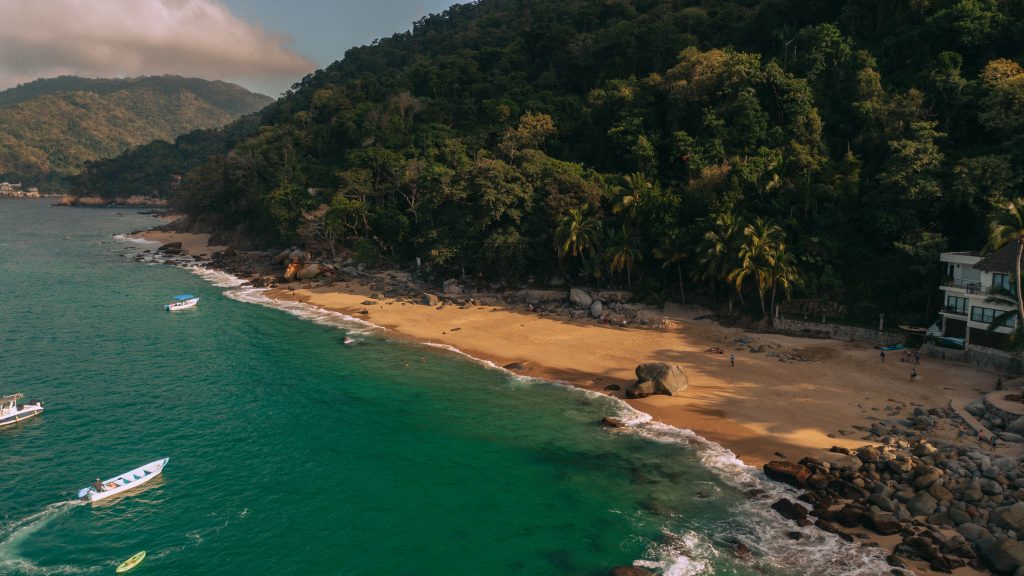
But if you travel a lot, you want 4K and RAW files you can actually edit, you want something that disappears into a pocket and doesn’t create problems at borders, and you’d rather not spend 800 USD on your first drone, the Mini 3 is still, in 2026, the smartest buy on the market.
Four years in, it has survived harvest seasons on both sides of the planet, a lot of dust, a lot of humidity, one very stupid decision on a windy ridge in New Zealand, and it still flies exactly like it did on day one.
That’s really all I need from a piece of gear.